Undo and History
Undo anything, any time, for free. And whatever you set yourself stays yours.
Undo
- Type "undo that" (or "go back", or "undo"). Free, and works offline.
- Press Undo on the suggestion you applied.
- Open History and undo any change, not just the last one.
Undoing an old change keeps anything you've done since.
History
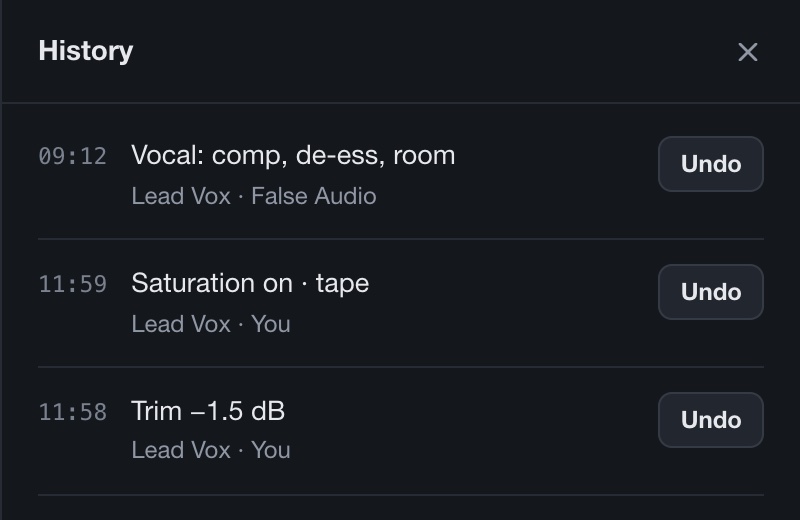
Every change, newest first: what it did, which tracks, and whether it was False Audio or You. It saves with your project.
Set by you
Anything you change by hand in a Link becomes yours. It turns blue, says set by you, and False Audio won't change it. If it needs room, it uses something else, like a free EQ band.
Changes you make inside your own plugins' windows don't show up in History. Use the plugin's own undo for those.