Sign in the Hub
Connect the Hub to your account once, and every project on your Mac can use it.
Requests use credits from your False Audio account, so the Hub needs to know it's you. You sign in once per Mac, through your browser. You never type your password into the plugin.
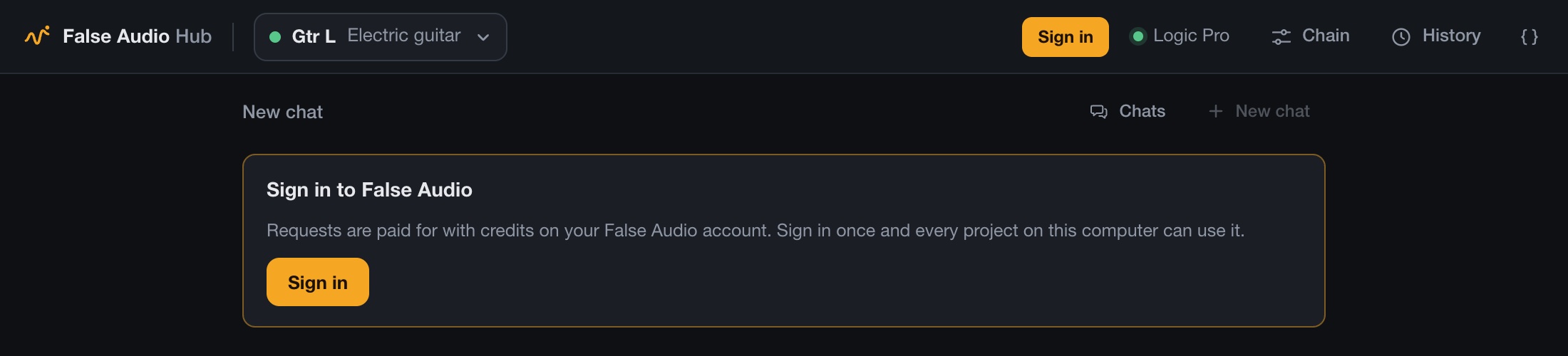
Press Sign in
In the Hub, press Sign in. The Hub shows a short code, like WDJB-MJHT, and your browser opens falseaudio.com.
Approve it
Sign in on the website if you need to. Check the code matches the one in the Hub, then choose Connect this Hub.
Back to your DAW
The Hub signs in by itself within a few seconds and shows your credits at the top.
Browser didn't open? Go to falseaudio.com/link and type the code in. A code lasts ten minutes.
Good to know
- Once per Mac. Every project on that computer uses the same sign-in.
- Signing out: open the menu at the top right of the Hub and choose Sign out of this Hub, or disconnect it from your account page.
- Code expired or didn't work? Press Sign in again for a new one.